
 Nederlands
  English
  Français
 STIHL connected
Digital fleet management
With STIHL connected you can keep an eye on your machines anytime anywhere. This saves you time and money every day.
Manage your machine fleet efficiently with STIHL connected.
STIHL connected is a digital solution for managing your devices and machines. This allows you to organise your daily work smartly and efficiently.This way you get the most out of your machines every day.Intuitively economical and with little effort.
Discover the possibilities:
- automatically receive data from the machine
- maintain an overview of the entire machine park
- know the last location of a machine
- benefit from less downtime
- Provide relevant maintenance information to the dealer
POWER FOR PROFESSIONALS. Fully connected.
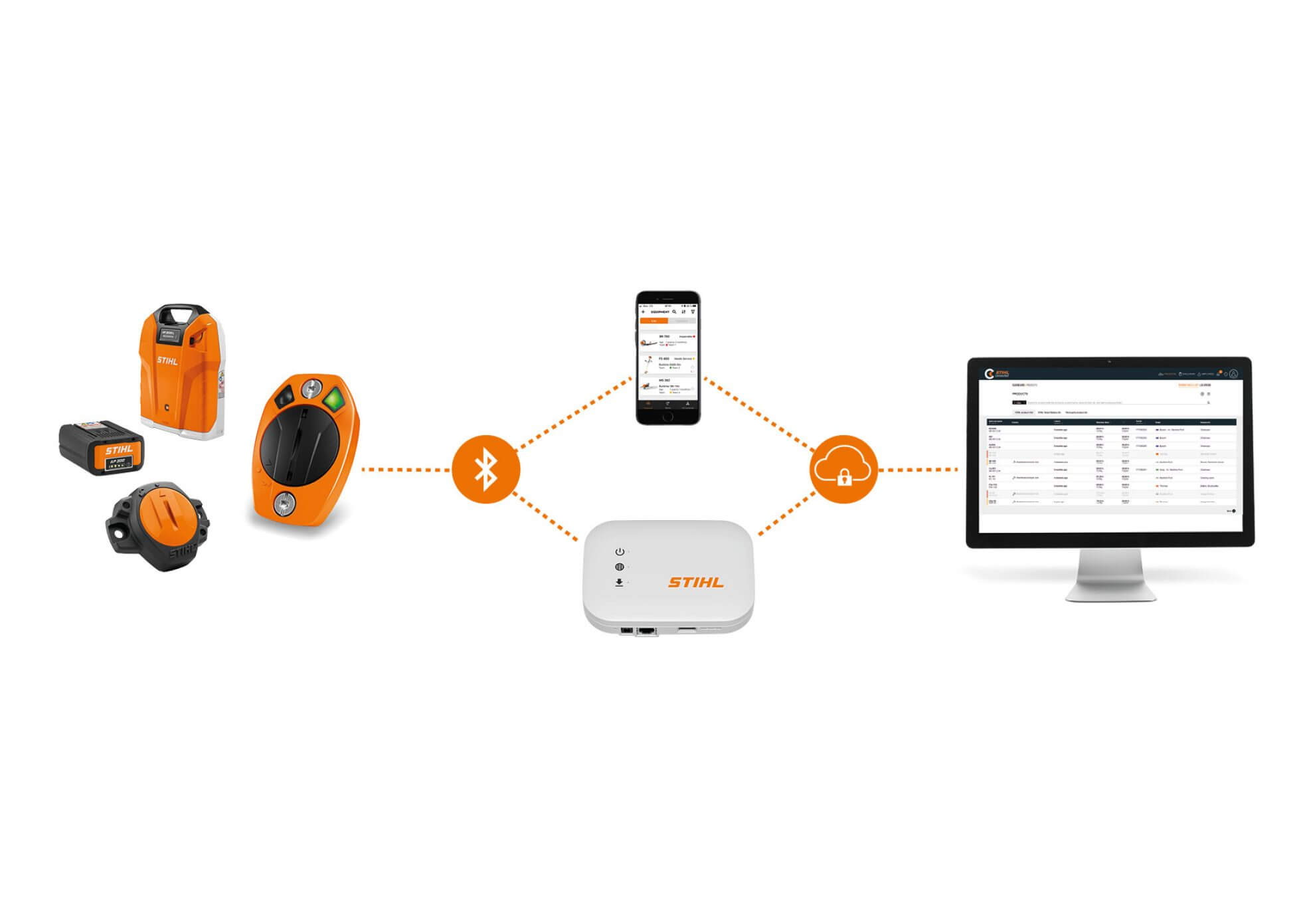
The Basics of Professional Fleet Management
With STIHL connected we have created a digital solution that offers you real added value in your daily work. This is ensured by the optimal interaction of the following components and applications.
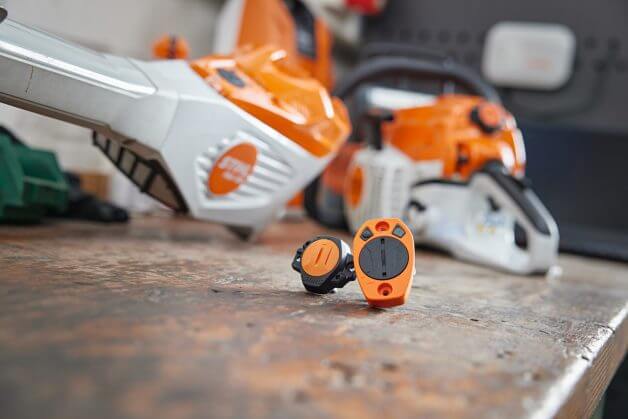
STIHL Smart Connectors
The STIHL Smart Connector and Smart Connector 2 A collect relevant usage data and then forward it to the STIHL connected app or a STIHL connected box.
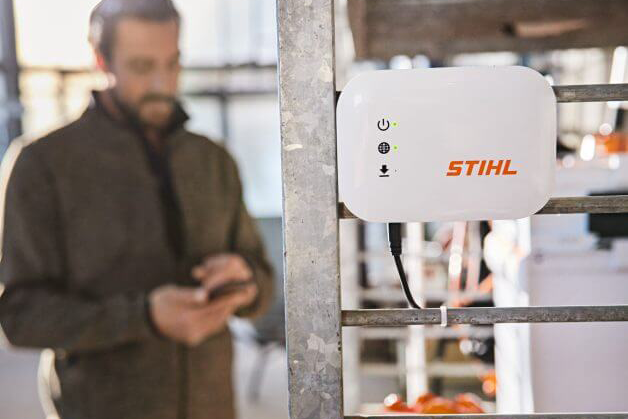
STIHL connected box
The STIHL Connected Box quickly reliably and automatically transmits usage data collected with a Smart Connector or a battery with integrated connectivity to the STIHL Cloud. Available in a mobile version for your vehicles and a stationary version for storage rooms and workshops.
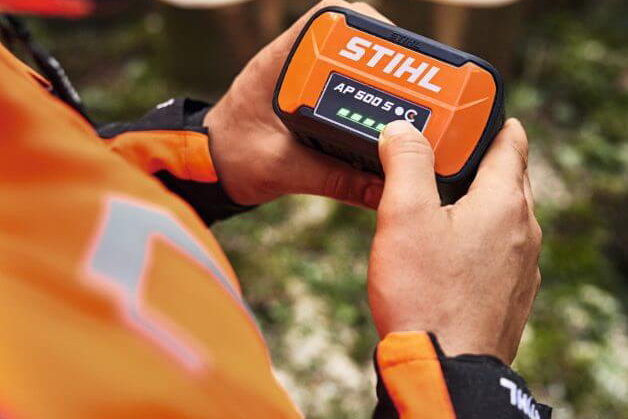
STIHL batteries
The STIHL AR 2000 L and AR 3000 L backpack batteries and the STIHL AP 500 S battery can be connected and managed via an integrated Bluetooth® interface. This means that the charge status operating time and serial number are visible in the STIHL connected app and the STIHL connected portal.
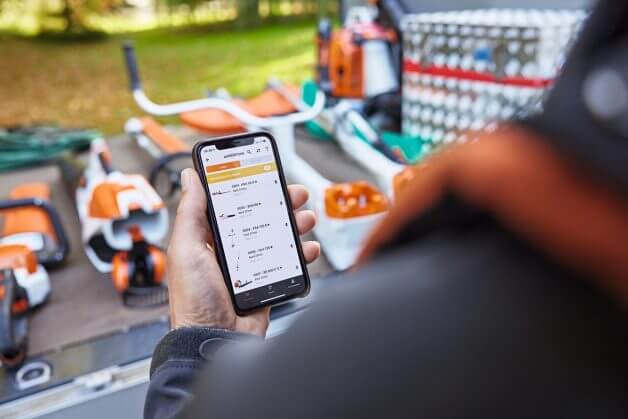
STIHL Connected app
With the STIHL Connected App you can keep an eye on everything while on the go and view the status and location of your machines at any time. Thanks to the practical proximity function you will know immediately after work on the construction site whether a machine is missing so that you do not leave anything behind at the workplace.
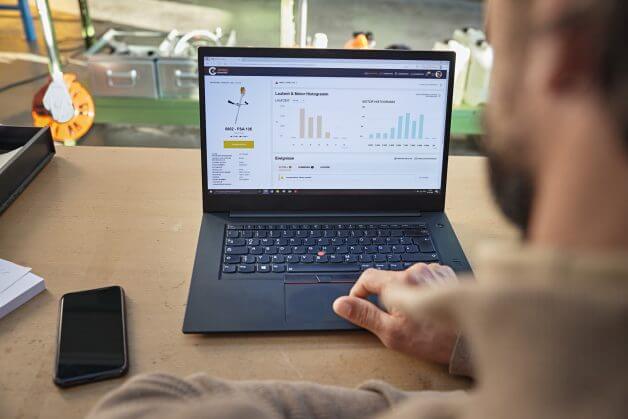
STIHL Connected Portal
The machine data stored in the STIHL Cloud is then always available in the STIHL Connected portal for detailed analyses and efficient planning of your activities.
Analyse the management and plan your fleet and its use now wherever and whenever you want. For more information and advice on digital fleet management with STIHL connected please contact your STIHL dealer at any time.
Frequently Asked Questions (FAQ)
`
Sign up and get started
Register once for STIHL login and get immediate access to all functions of theSTIHL Connected Portaland the application. You can also contact your local STIHL dealer directly from the system.
All the benefits of STIHL Connected at a glance
Portal and application
Machine park overview
Keep track of your entire fleet anytime anywhere: machines and equipment uptime maintenance to be performed and much more.
Duration information
Overview of the total usage time and the daily usage time of all your machines.
Event Overview
Overview of upcoming and completed events (e.g. maintenance) for all your machines connected to a Smart Connector.
Also an overview of the faults that need to be resolved and manual markings for devices connected to a 2 A Smart Connector.*
Device Status
Overview of your ready-to-use devices: View and change the status of devices with a smart connector. In addition add information such as notes and images to document an event (e.g. a repair).
The Smart Connector 2 A records and automatically saves the status of your machines.*
Geolocation
Overview of the last known geolocations of your machines.
The 'Nearby' function gives you an overview of the machines that are in your area.**
Maintenance management
Display of standard maintenance for fully supported STIHL machines and the option to create individual maintenance tasks for your machines and be reminded of them in good time.
Exclusive to the portal
Duration analysis
To help you analyze the runtime of your devices a runtime history graph provides daily weekly and monthly values.*
Speed bar chart
Information about the speed range of your devices to optimize their use and for example extend battery life.*
Team management
Divide your machines and workers into teams. Manage roles and permissions in one central location within the portal.
Maintenance management
Ability to disable maintenance reminders.
Contact your dealer
For maintenance/repairs you can contact your registered STIHL dealer directly via STIHL connected.
* Only with Smart Connector 2 A
**Exclusive in the app